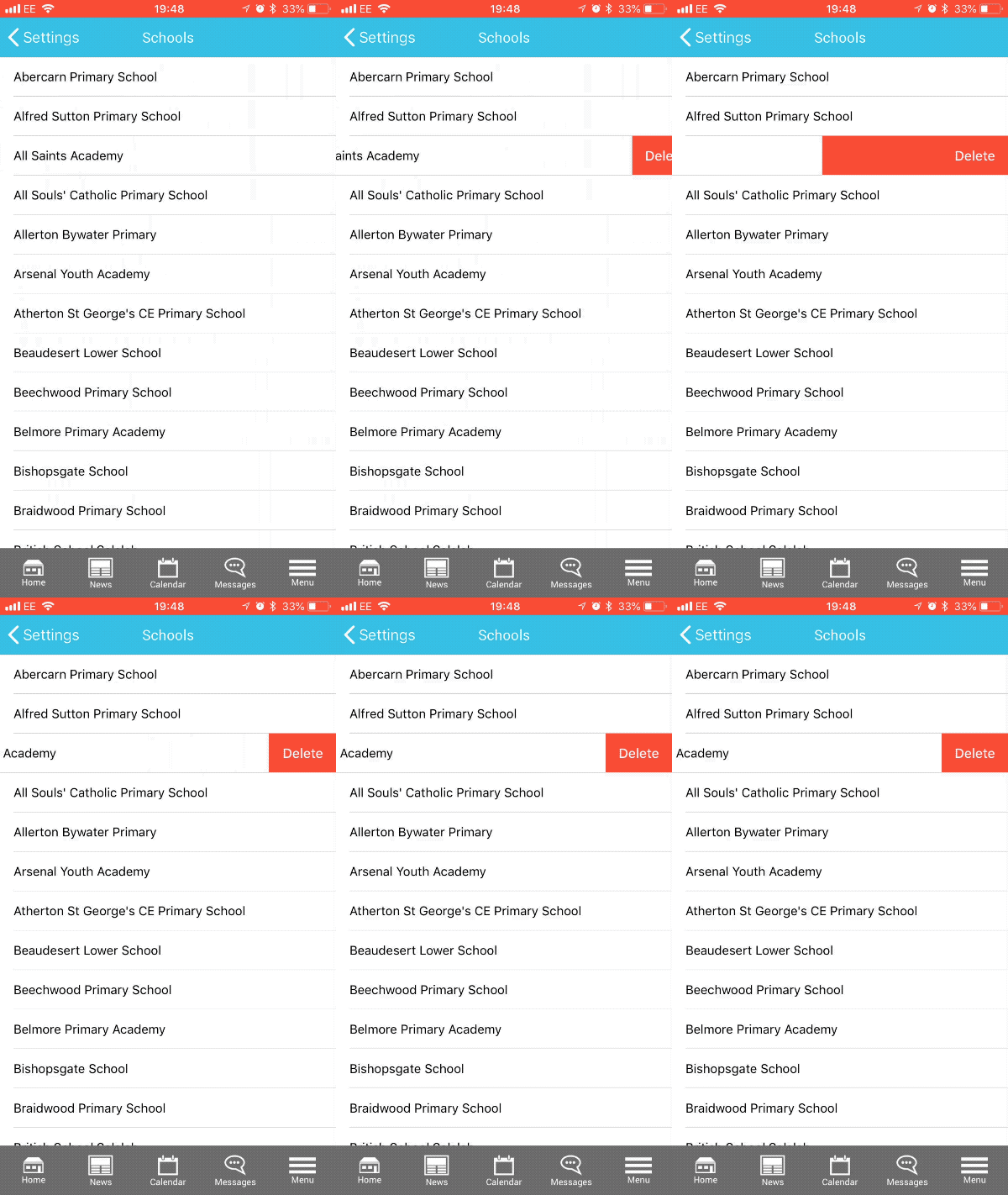
If you are logged into multiple schools on mySchoolApp and need to delete one or more, follow these steps:
- Go to mySchoolApp Settings
- Tap Change school
- Swipe left on the name of the school you need to delete
- Tap Delete

If you are logged into multiple schools on mySchoolApp and need to delete one or more, follow these steps:
Comments
0 comments
Please sign in to leave a comment.