
Advanced messaging adds two additional functions to App messaging.
One-to-one messaging
With this feature, you can now message either a single parent/carer* or select from a list to send to multiple users. * Who are registered with your school.
To send a message to an individual user(s)
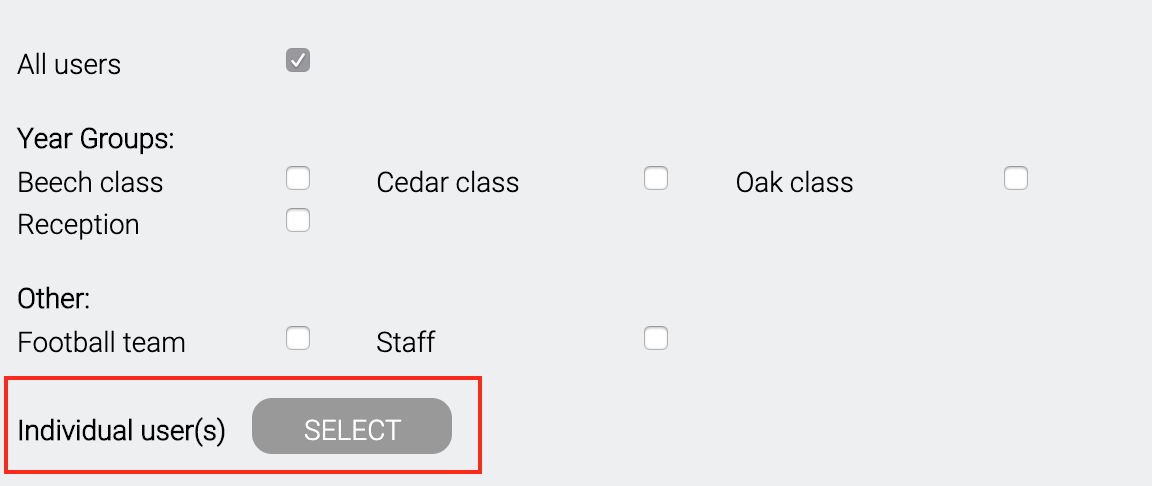
Go to app messaging and click SELECT
A pop up box will appear where you can select and search for individual user names
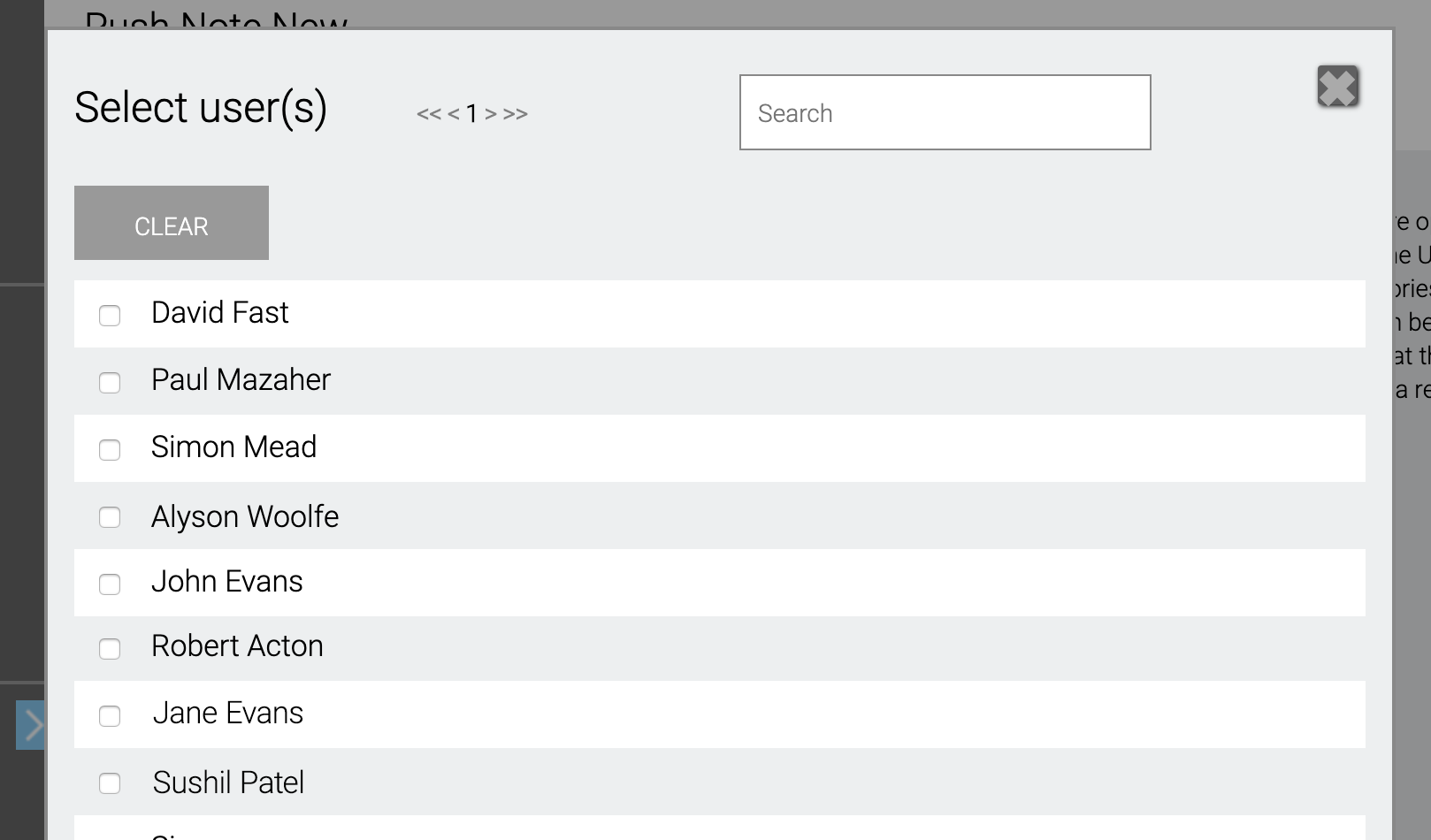
Select the user(s) who you would like to send the message to and then click the X in the top right to dismiss the box.
Now compose your message as usual. Messages to individual users can be still linked to documents* events, news or consent items.
* Please note all documents are available to all users on the app unless marked Private.
Scheduled messages
Messages can now be scheduled to be sent at a time and date in the future.
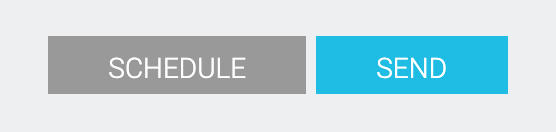
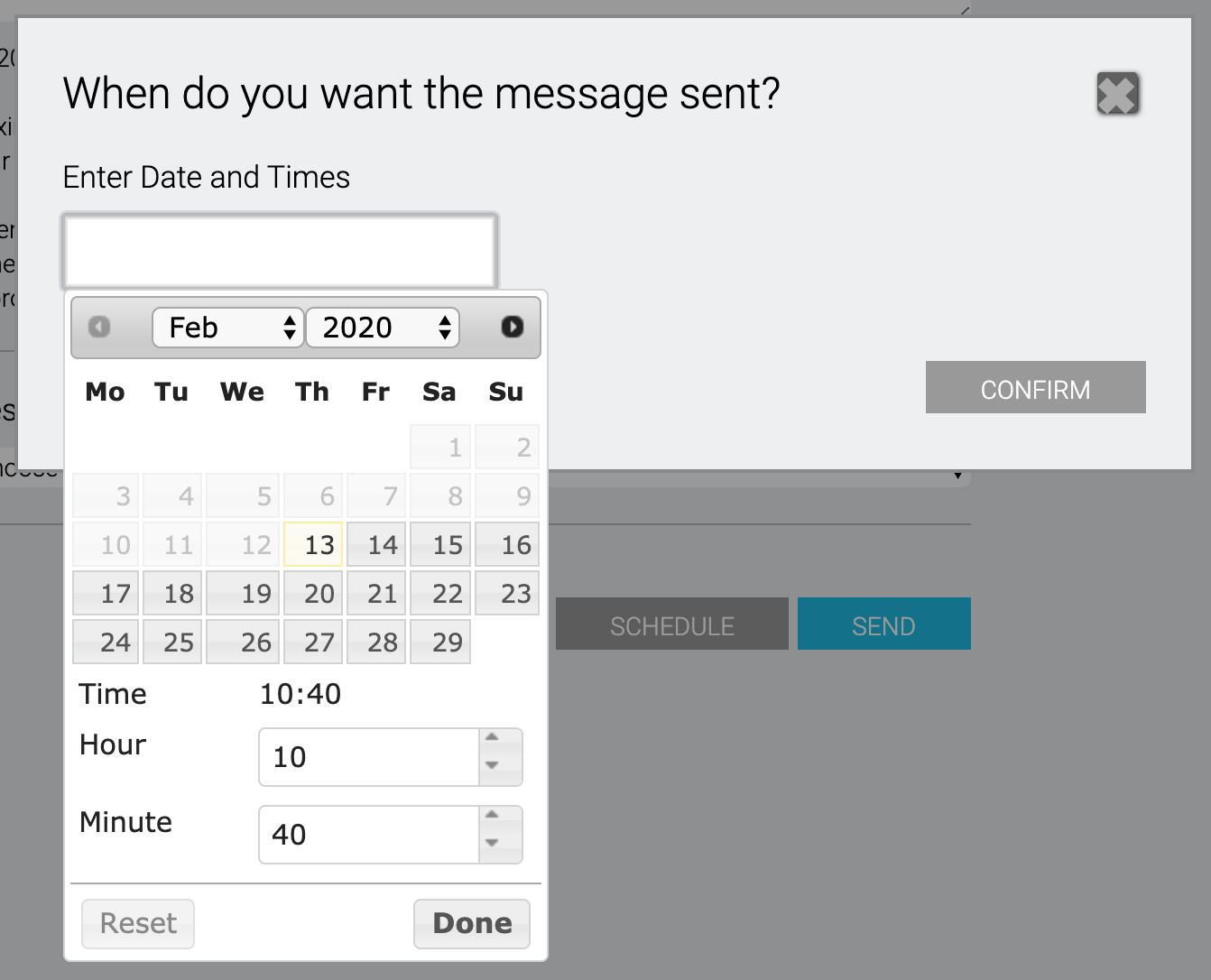
Once you have composed your message, click SCHEDULE to bring up the pop up box to select the date and time. Click Done to queue the message.
Messages can be edited at any time before being sent, by clicking Scheduled messages in the App messaging sub menu.
Comments
0 comments
Please sign in to leave a comment.