
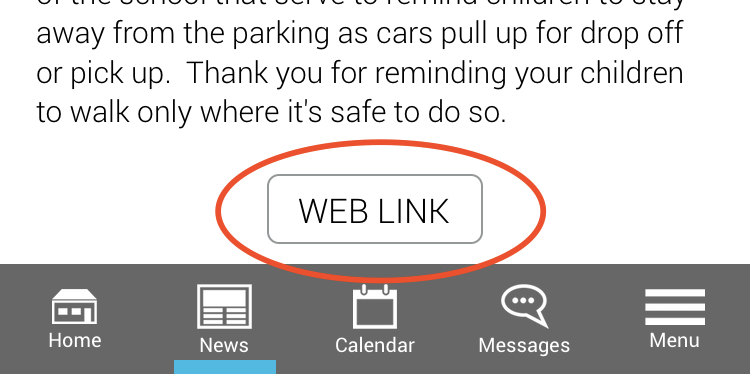
When news items are created on the app, you have always been able to add links to a PDF, an event or provide a single link to a website. Now by using a free service provided by Linktree* you can make multiple web sites accessible from a single tap on the WEB LINK button.
How to use Linktree with your app?
- Register for a Linktree account
- Click settings to add your school logo
- Go ahead and add some links related to your newsletter or story.
- Copy your unique Linktree url in the top right of the screen
- Paste this url (e.g. https://linktr.ee/yourschool ) into the webpage link section on the mySchoolApp portal
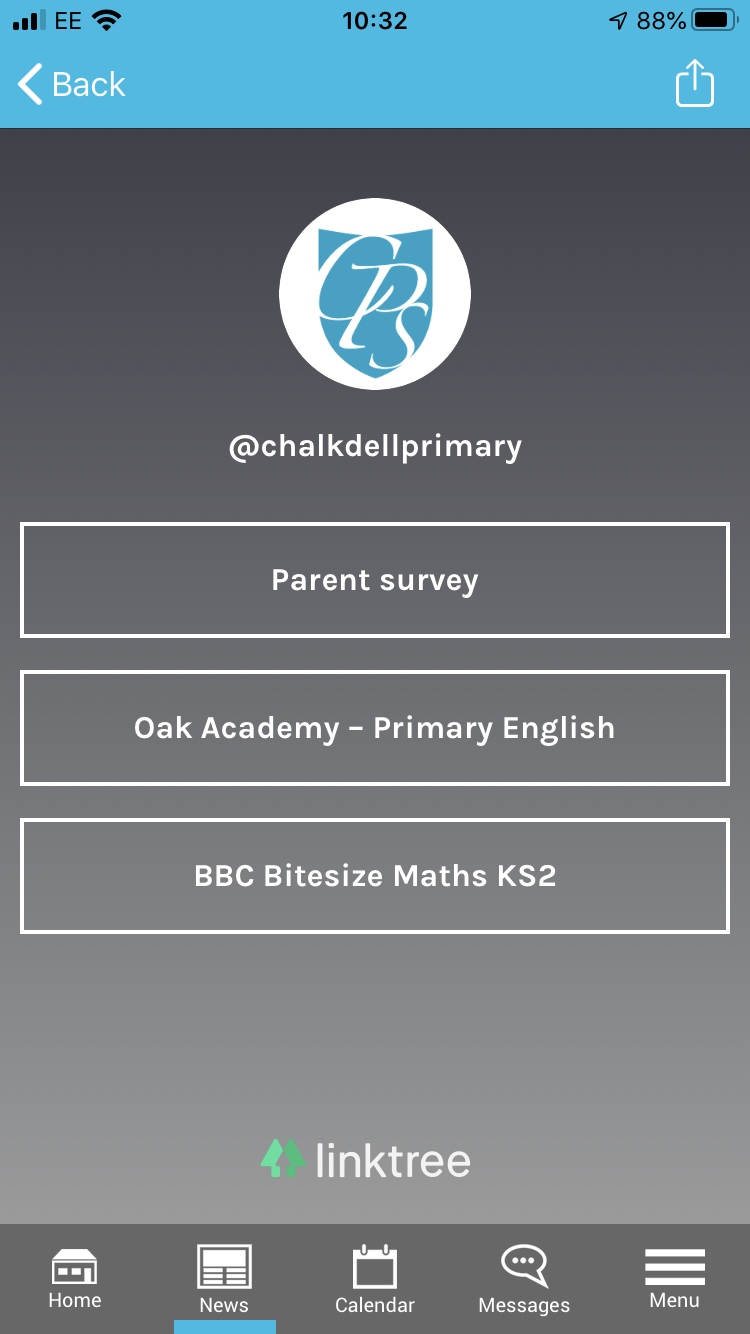
* A Linktree account is available as a free or paid account. This is a third party service unconnected with Sentio Media Ltd.
Comments
0 comments
Please sign in to leave a comment.