
mySchoolApp now has a built-in video option enabling you to upload videos and publish them to your app without the need for third-party hosting. Please contact us to request activation.
If you would like to make existing hosted content (YouTube, Vimeo etc.) available to view on your app, this can be achieved using the web link feature. We've prepared a step-by-step guide below to help you publish your videos on mySchoolApp for all users to see.
- Select the hosted video
- Copy the url link provided
YouTube examples shown below
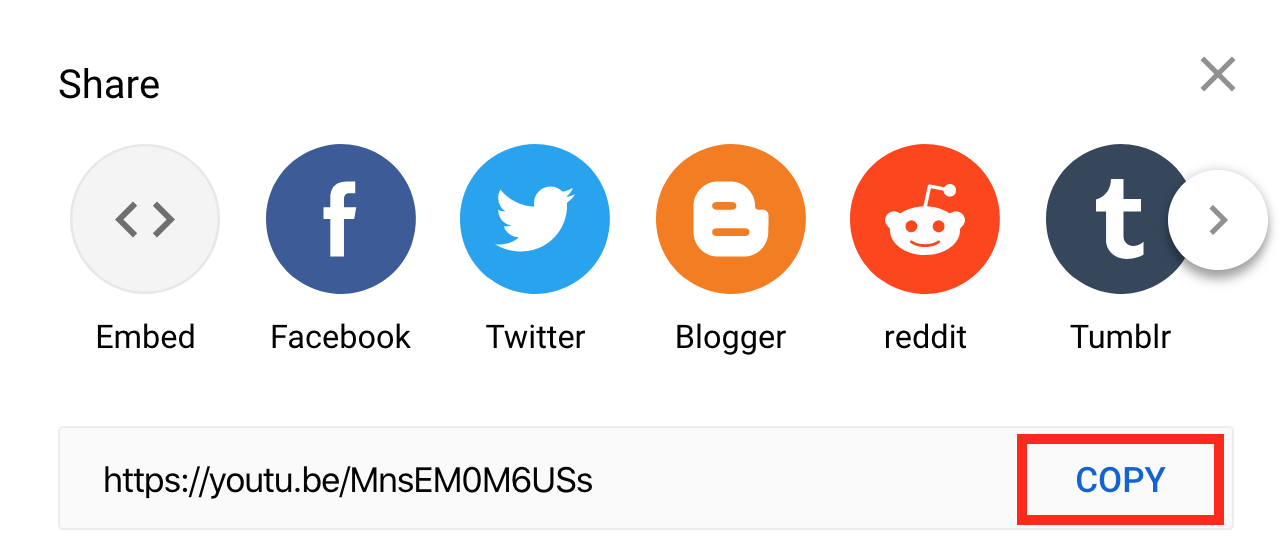
- Once you have the link copied you can enter this into various places on the app
- News item – paste the copied url into webpage link
- Document – create a folder called Video and click New file. Give your video a title and paste the link into the field marked hosted PDF url. Save the page
Your video will now be available to view on the app.
Once you have the content ready in the app, don't forget you can send a linked message to take parents straight to the video. Instructions here
Comments
0 comments
Please sign in to leave a comment.