
It’s important that parents are opted into the appropriate notification groups to ensure that they’re receiving the right messages. To help with this, we’ve added a way for you to prompt them into action. You can now send a ’short cut’ linked message, instructing parents to update their notification groups on the app.
On the admin portal go to Account settings > Categories
At the bottom of the text column on the right of the page you'll see a button UPDATE NOTIFICATION PREFS
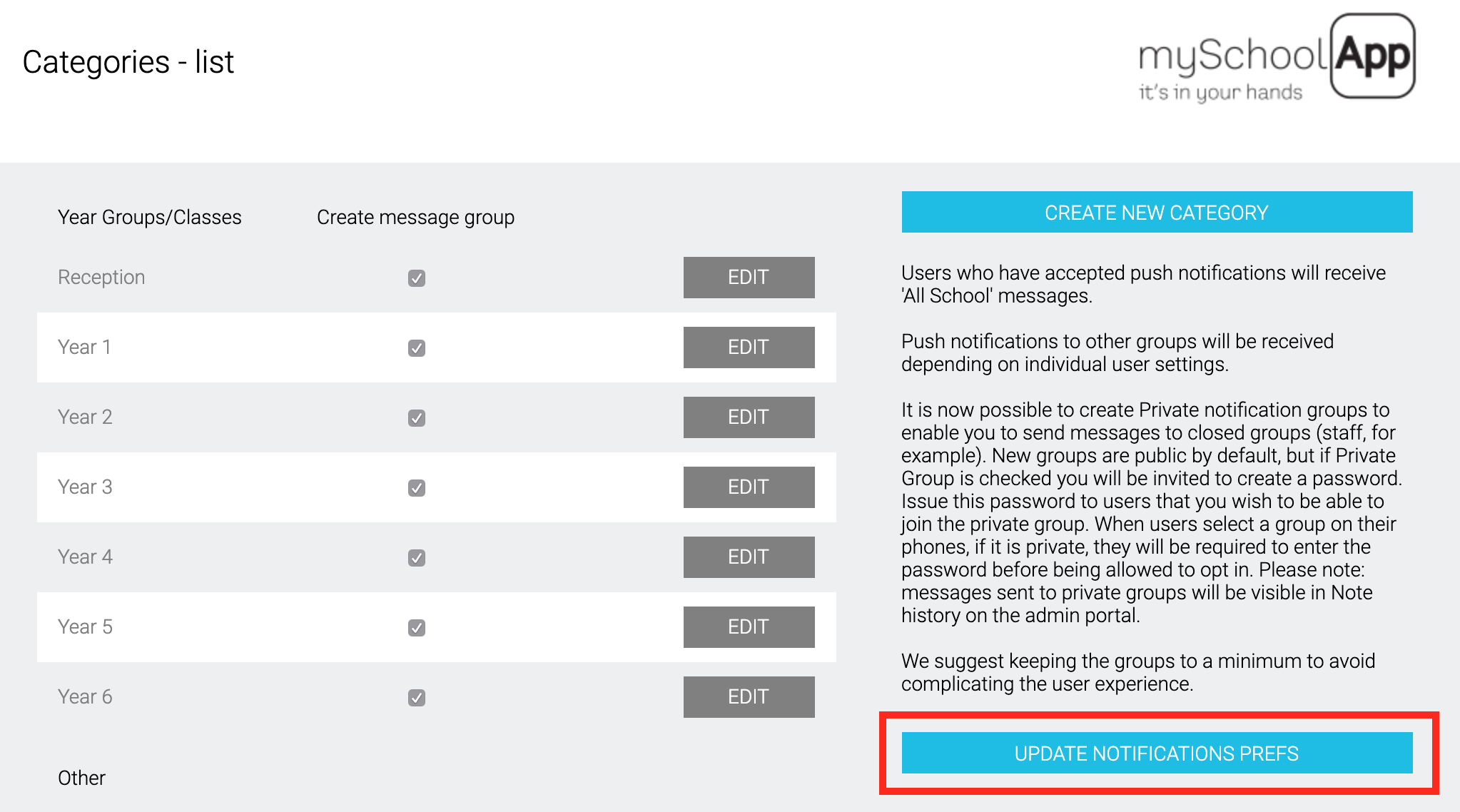
Clicking this button will bring up a pop up box containing a pre-written* message to send to parents.
*this text can be edited if required.
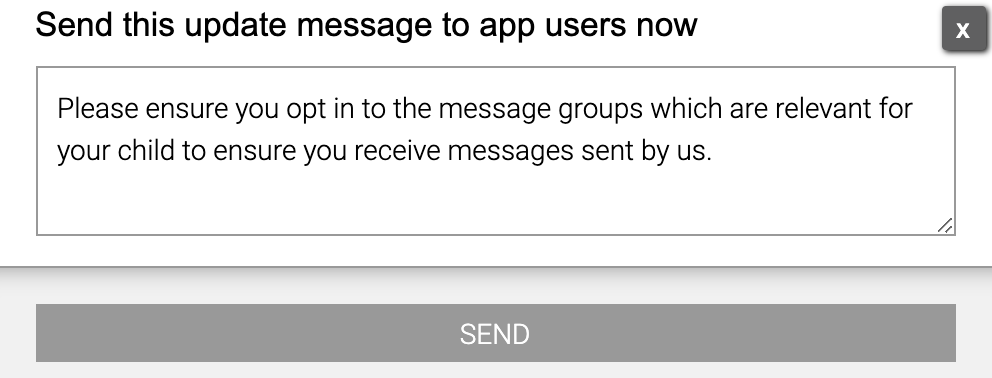
Click SEND and the message will be sent to all registered app users. When parents and carers view the message, tapping it will open the app to the Choose notification groups page in the mySchoolApp settings section of the app. They will then be able to check they are opted into the appropriate groups for their child(ren).
We recommend sending this message whenever you update the categories (which form the notification groups) and at the start of a new school year to ensure parents of are set up correctly on the app.
Comments
0 comments
Please sign in to leave a comment.