
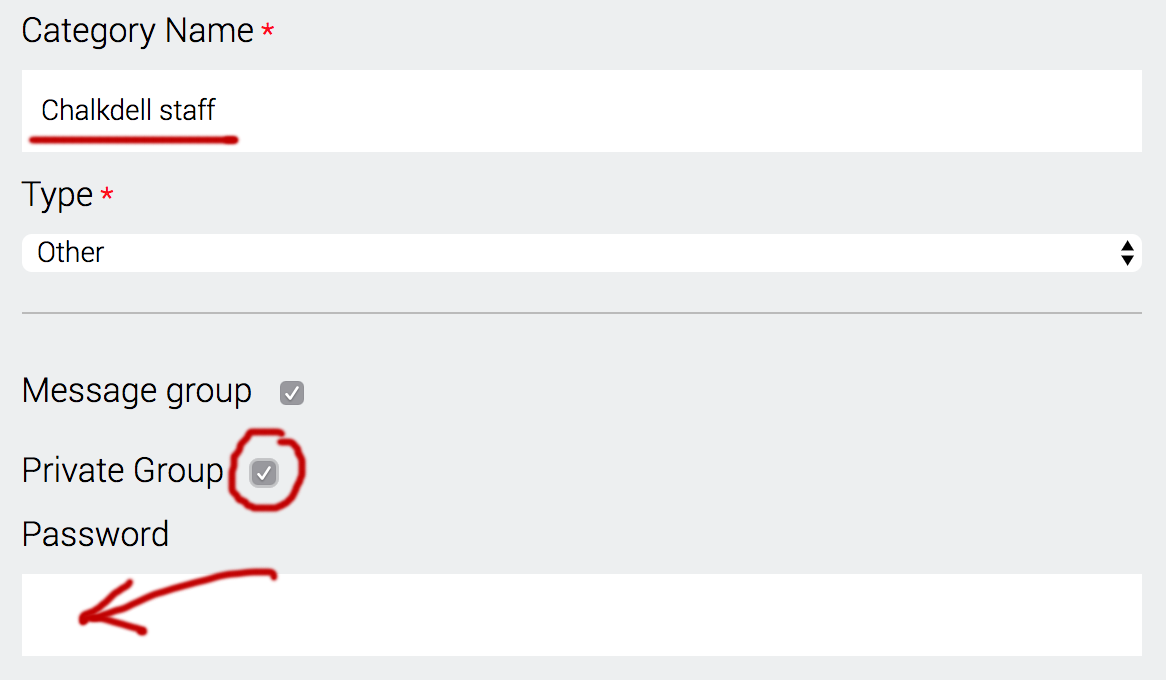
A private message group is functionally the same as all other groups but is password protected enabling administrators to limit who sees a particular message. To get started follow these steps:
- Within Categories click Create new category
- Enter the name for your group
- Check Message group and in this case also Private Group
- Create a password. You will need to make this known to whoever you want to opt in to this private group
It is important to note that only messages are private. News and calendar events that are assigned to the 'private' group will still be accessible to parents and carers.
Comments
0 comments
Please sign in to leave a comment.